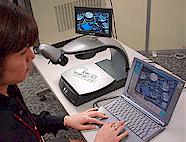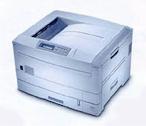
The TECHNOLOOK video microscopes provides to the user several possibilities to connect a great range of different peripheral systems like: Videobeamers, external Monitors, TV's, PC's, Printers etc.
The analog models TL1SP / TL10SP provides the following interfaces:
-
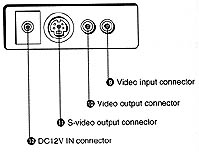
Video IN (Cinch / RCA type, pinjack) Inputs an external video signal
-
Video OUT (Cinch / RCA type, pinjack) Outputs a video signal
| When the input signal selector is set to CAMERA position: | The video signal from the CCD camera is output. |
| When the input signal selector is set to EXT position: | The video signal input from from the video input connector is output |
-
S-Video output connector (4-pin mini-DIN) Outputs an S-video signal
The digital models TL5MP / TL10MP provides in addition:
-
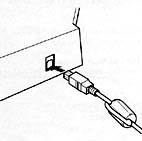
a full digital USB interface
The USB driver software for PC installation is delivered in the standard package for the digital TECHNOLOOK models.
Rear Panel analog models |
Rear Panel digital models
|
Expandability
TECHNOLOOK connection via:
|
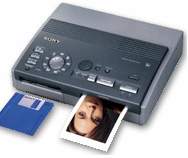
Photo Printer |
|
TECHNOLOOK connection via:
|
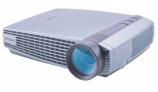
Video Beamer |
|
TECHNOLOOK connection via:
|
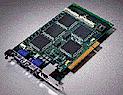
analog Frame-Grabber |
|
TECHNOLOOK connection via:
|
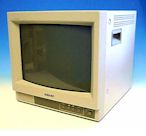
high performance industrial CRT-Monitors |
|
TECHNOLOOK connection via:
|
TFT flat panel LCD Monitors
Model: I918 AU |
|
TECHNOLOOK connection via:
|
Large TV screen | 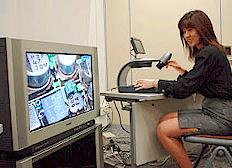 |
TECHNOLOOK connection via:
Picture data format is JPEG
|
PC's Notebooks |
|
TECHNOLOOK connection via:
First save the captured picture from the memory stick to the harddisk of PC. Then load the image into a photo tool software like the delivered PHOTO EXPLORER SE and print it. |
Printers
|
|